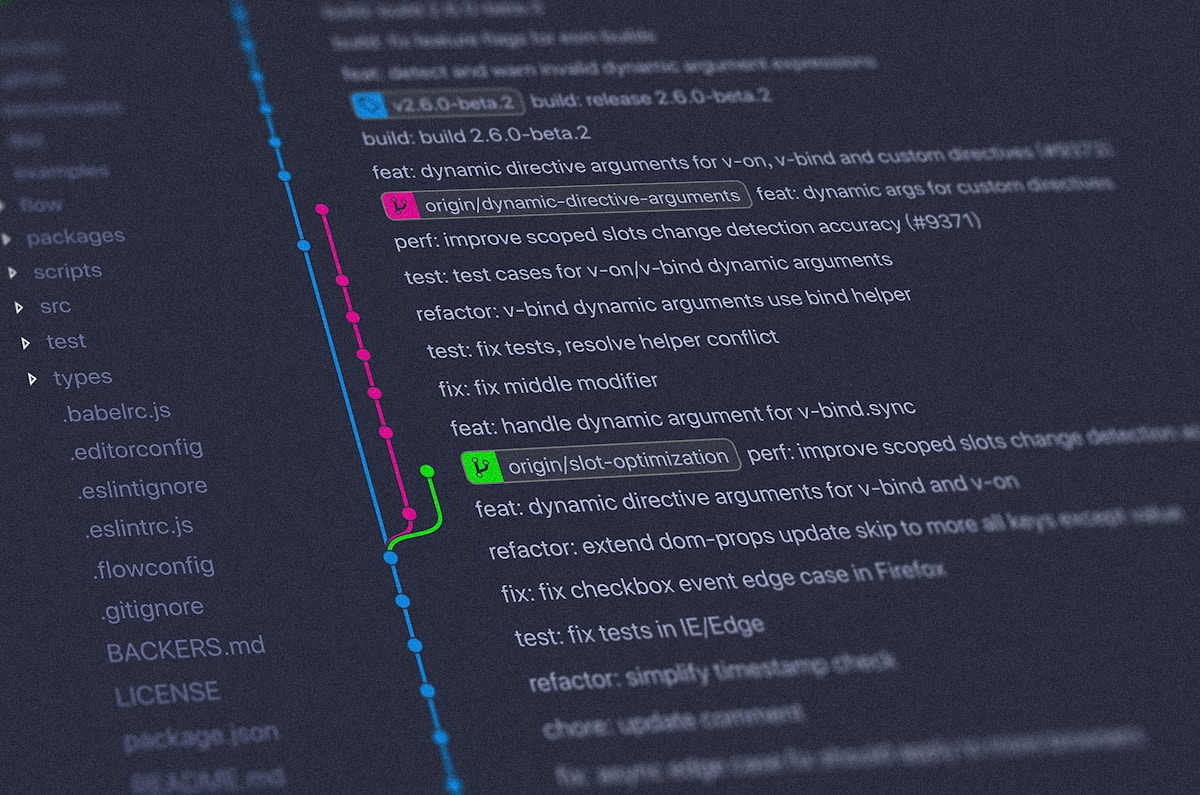
## Mastering the Tool You Use Every Single Day
Git is the fundamental substrate of modern software development, yet most developers utilize less than 15% of its capabilities. When messy merge conflicts, phantom regressions, or context-switching between hotfixes occur, understanding Git internals is your superpower.
---
## 1. Git Worktrees: Zero-Cost Context Switching
How often are you deep in a complex feature branch when a production hotfix requires your immediate attention? The naive approach is `git stash` (risking lost work) or cloning the repository a second time into another directory.
**Git Worktrees** allow you to have multiple active branches checked out into different folders simultaneously, all sharing the same `.git` database:
```bash
# In your main project directory
# Checkout hotfix-login branch into a separate folder next to your repo
git worktree add ../updatez-hotfix hotfix-login
# Open the new folder, fix the bug, commit, and push!
cd ../updatez-hotfix
git commit -am "fix: resolve login cookie expiration"
git push origin hotfix-login
# Once merged, cleanly delete the worktree
git worktree remove ../updatez-hotfix
```
No stashing, no rebasing interruptions, and 100% isolation.
---
## 2. Automated Regression Hunting with `git bisect`
When a bug is discovered in production and nobody knows which of the last 200 commits introduced it, **`git bisect`** runs a binary search across commit history to pinpoint the culprit in `O(log N)` steps:
```bash
# 1. Start bisect
git bisect start
# 2. Tell Git the current commit is broken
git bisect bad
# 3. Tell Git the last known working release
git bisect good v2.1.0
# Git automatically checks out the midpoint commit!
# Test the app, and inform Git:
git bisect good # (or git bisect bad)
```
### Pro Tip: Fully Automated Bisect with Test Scripts
```bash
# Runs your pytest suite automatically at every step!
git bisect run pytest tests/test_payment_flow.py
```
Within seconds, Git tells you: `d4b8e2f is the first bad commit` alongside the author and commit diff.
---
## 3. Interactive Rebase & Conventional Commits
Open-source projects like Kevin Deldycke's repositories maintain pristine, linear Git histories. Avoid noisy "wip", "fix typo", "tested again" commit logs:
```bash
# Rebase the last 5 commits interactively
git rebase -i HEAD~5
```
```text
pick 3a1f8c1 feat(api): add job filter by category
squash 4b29f02 fix typo in serializer
squash 8192abc add unit test coverage
reword 91f8271 docs: update swagger schema
```
This squashes minor progress iterations into one coherent, atomic commit with clear semantic intent (`feat`, `fix`, `perf`, `chore`).
---
## 4. Automated Semantic Releases
By adopting Conventional Commits, tools like `semantic-release` automatically analyze commit messages in GitHub Actions to:
- Bump version according to SemVer (`feat:` = minor, `fix:` = patch, `BREAKING CHANGE:` = major).
- Generate a detailed `CHANGELOG.md`.
- Create GitHub releases with signed assets.